
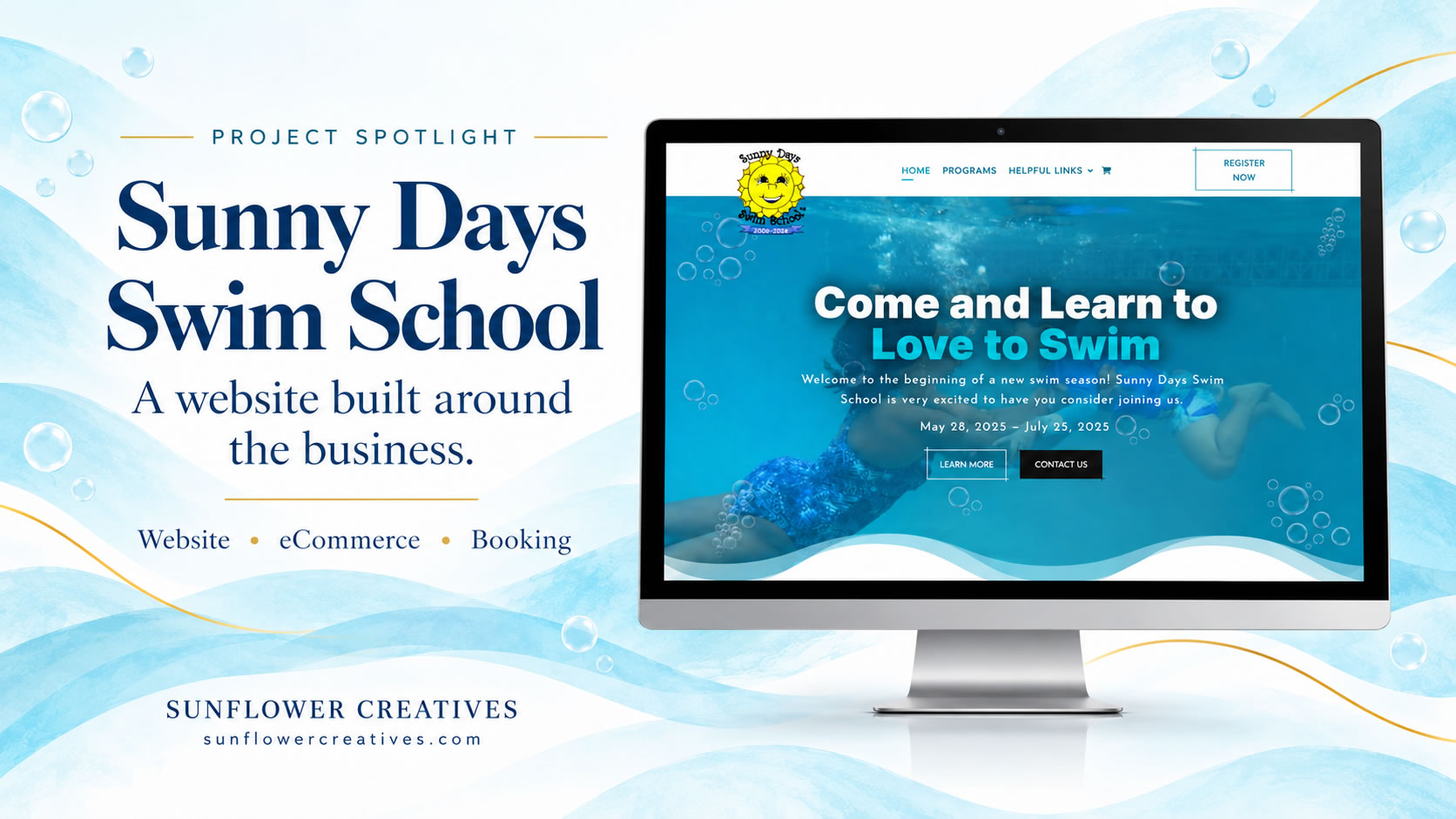
A website can help a business owner spend less time managing the steps between a customer’s purchase and the service they receive. Sunny Days Swim School is a good example of how we bring those steps together.
When we worked on the project, families had several lesson options to choose from. Purchases relied on individual PayPal buttons, registration and waivers were handled separately, and lesson scheduling required communication between the instructor and each family.
The website was more than a decade old. Along with updating the design, we needed to look at how families purchased lessons, provided their information, and secured their lesson times.
Understanding the work behind the website
One thing I’ve noticed with small business owners is how much time they spend checking different platforms and completing tasks manually. They can become so busy keeping the business running that they have less time for the work they specialize in.
For Sunny Days Swim School, the instructor was coordinating lesson schedules directly with families. There was no clear digital trail connecting their schedules and information. The purchase options also involved roughly a dozen or more PayPal buttons across the different lesson plans and choices.
Each part of the process needed attention. We looked at how to give families clear next steps and make the information easier for the instructor to receive and manage.
A design that reflects the school
We started with a fresh website design that welcomed prospective and returning students. Original photographs of the instructor and students helped show the people and experience behind the school.
I want a website to be beautiful and functional. For this project, that meant presenting the school clearly while helping families understand their lesson options and what to do next. The design needed to support that process.
Making lesson purchases easier to manage
We replaced the collection of PayPal buttons with lesson products in WooCommerce, the system used to manage purchases on the website.
This organized the options into products and simplified the purchase process. It also gave the business access to sales reports and analytics, providing a more useful record of what customers purchased.
Choosing the purchase system was one part of the work. We also needed to account for what families had to complete after paying for their lessons.
Connecting registration and lesson booking
The registration form includes the waiver. Previously, families completed that step before purchasing. In the updated process, they purchase their lessons first, then complete the registration and waiver before booking their lesson times.
We added instructions for the registration and waiver to the purchase confirmation page and the sales receipt. After completing the form, families are directed to scheduling.
We integrated Calendly into the website and configured the instructor’s availability and scheduling settings. Families can then choose an available time for their lessons.
The sequence is straightforward:
- Purchase the lessons.
- Complete the registration and waiver form.
- Book the lesson times.
The instructor receives the sales notification, the completed registration and waiver, and the booking notification. Each step gives the family a clear action to take and provides the instructor with the information associated with it.
Giving the instructor more time for students
The updated process worked better for our client and allowed her to focus more on her students. Families could follow the steps on the website, including selecting from the lesson times made available through the booking system.
This project illustrates why we look beyond individual website pages when planning a redesign. The way a business handles purchases, customer information, and scheduling affects how useful the website will be.
What to consider for your own website
If you’re planning a website or thinking about updating one, I recommend writing down what happens when someone becomes your customer. Start with the purchase or inquiry, then follow each step through to the service you provide.
Look at where you repeat work, where information is difficult to find, and where customers need instructions. If you’re spending time arranging appointments through individual messages, for example, that is something to discuss during website planning.
You may already have tools that can support a better process. You may also need to simplify how you use them. The right approach depends on your services, your customers, and the work you need to manage.
At Sunflower Creatives, we plan websites with those needs in mind. Sunny Days Swim School brought lesson purchases, registration and waivers, and booking into a clearer sequence. For your business, we would begin by understanding what you provide and how your customers take the next step. Click here to check out the project.




0 Comments